
December 05, 2025
Imagine being three hours into a five-hour holiday road trip when your daughter asks, "Can I use your laptop to play Roblox?" It's your work laptop, loaded with sensitive client files, financial documents, and full access to your business. You're exhausted from packing, have hours left to travel, and honestly, entertaining her sounds easier right now. But is it really worth the risk?
Holiday travel introduces unique security risks absent from your everyday routine. Distractions, fatigue, unknown networks, and blurring the lines between family time and work check-ins can lead to vulnerabilities. Whether your journey is business, leisure, or a mix, here's how to safeguard your data while keeping the holidays joyful.
Pre-Trip Security Checklist: 15 Minutes That Make a Difference
Before you hit the road, spend 15 minutes setting up solid defenses:
Essential Device Preparations:
- Apply all pending security updates promptly
- Back up critical documents to a secure cloud service
- Enable automatic screen locks with a maximum delay of two minutes
- Activate "Find My Device" features on phones and laptops
- Fully charge your portable power bank
- Bring your own charging cables and necessary adapters
Discuss Device Usage with Your Family:
- Clarify which devices kids are permitted to use and which are off-limits
- Set up a dedicated family tablet or secondary gadget for entertainment needs
- Create separate user accounts on your laptop for any necessary child access
Pro tip: Instead of risking your work laptop, provide children with a tablet disconnected from your work accounts. The cost of a $150 iPad is far less than the fallout of a data breach.
Hotel WiFi: Avoid Common Pitfalls
After checking into your hotel, everyone quickly connects their devices to the WiFi—phones, tablets, laptops, even gaming consoles. Your teen streams Netflix, your spouse checks email, and you try to finalize work details.
The catch: Hotel WiFi is public and shared among hundreds of guests, some of whom may have malicious intentions.
True story: A family unknowingly connected to a fake WiFi network disguised as their hotel's network. For two days, hackers intercepted all their online activity, including passwords and credit card data.
Steps to Protect Yourself:
Confirm the exact network name by asking the front desk instead of guessing.
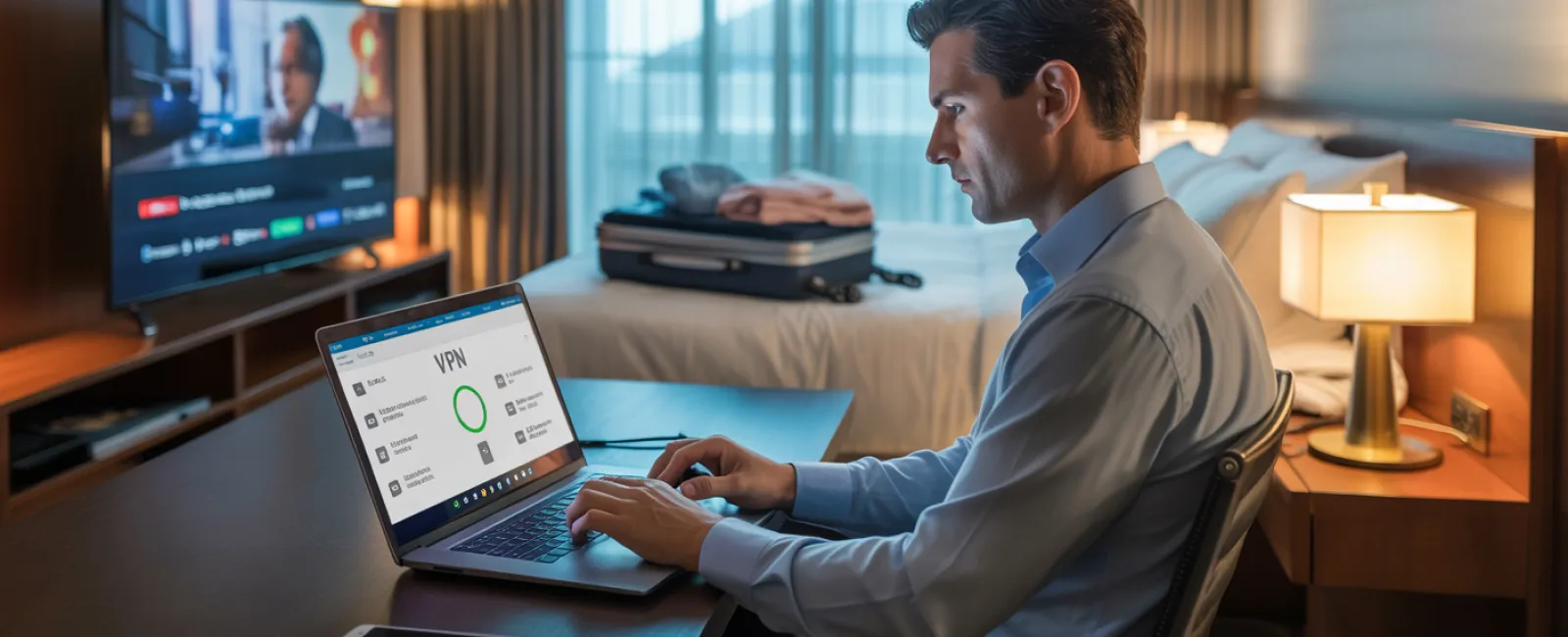
Use a VPN for work access to encrypt your connection when handling email or files.
Switch to your phone hotspot for sensitive tasks like banking or accessing confidential data.
Keep leisure and work separate: kids can stream using hotel WiFi, but use your personal hotspot for business activities.
Handling "Can I Use Your Laptop?" Requests
Your work laptop unlocks access to critical resources—emails, bank accounts, client information, and more. Kids asking to watch videos, play games, or video chat poses a hidden security risk.
Why it matters: Children might unintentionally download malware, click on unsafe links, share passwords, or forget to log out—all of which jeopardize your work device's security. Their actions aren't harmful, just typical kid behavior.
Effective solutions:
Set firm boundaries: Gently but firmly let your kids know your work laptop is off-limits. Offer an alternative device instead.
If sharing is unavoidable:
- Create restricted user accounts with limited permissions
- Monitor their activity closely
- Prevent downloads
- Avoid saving their passwords
- Clear browsing history after each session
Best practice: Bring along a dedicated family tablet or laptop for travel that doesn't link to your work accounts.
Streaming on Hotel TVs: Don't Forget to Log Out
Your family wants to watch Netflix on the hotel's smart TV. Someone logs into an account, but after checkout, the logout step is forgotten.
Consequences: The next guest gains access to your streaming service. If the same password is used elsewhere, it could open doors to more severe compromises.
How to avoid this risk:
- Use your personal device to cast content to the TV
- Set a reminder on your phone to log out before departure
- Alternatively, download content to your devices before traveling and bypass the TV altogether
Never log into the following on shared hotel TVs:
- Banking and financial apps
- Work accounts
- Email platforms
- Social media profiles
- Any service storing payment information
When a Device Goes Missing: Immediate Response
Holiday travel is hectic; devices can be left behind in airports, restaurants, cars, or hotel rooms. If a device disappears:
Act within the hour:
- Use "Find My Device" to locate or lock it remotely
- If retrieval isn't possible, initiate remote locking immediately
- From another device, change passwords on essential accounts
- Contact your IT or managed service provider to revoke system access
- Alert clients if sensitive business data was on the device
Devices should have these security features enabled before travel:
- Remote tracking and lock capability
- Strong password or biometric protection
- Automatic encryption of stored data
- Ability to perform remote wipe
Lost family device? Apply the same steps—remote lock, password changes, and location tracking.
Beware the Rental Car Data Trap
Connecting your phone to a rental car's Bluetooth to stream music or use navigation? The car might store your contacts, call history, and even text previews.
That data often remains accessible to the next driver.
Quick fix before returning your rental:
- Remove your phone from the car's Bluetooth settings
- Clear GPS destination history
- Or better yet, avoid pairing your phone altogether by using an aux cable or offline options
Setting Boundaries: The "Working Vacation" Dilemma
Balancing family time with work during the holidays can be tricky. Checking emails repeatedly and taking spontaneous calls detract from your focus and increase security vulnerabilities.
Honest advice: If you can't unplug completely, establish clear rules:
- Limit work email checks to two predetermined times daily
- Access work via your phone's hotspot instead of hotel WiFi
- Work privately in your room to avoid exposing screens in public areas
- Be fully present during family time, avoiding multitasking with work
Ultimately, the best security measure is taking genuine time off. Your business can wait, and you'll return refreshed and vigilant.
Adopt a Holiday Travel Security Mindset
Balancing work and family travel is often imperfect. Sometimes, your child truly needs your laptop; other times, that urgent email demands attention mid-trip. The aim is not perfection but smart risk management:
- Prepare your devices diligently before departure
- Recognize risky actions (e.g., hotel WiFi for banking) versus safer alternatives (e.g., hotspot for email)
- Establish clear separations between work data and family use
- Have contingency plans if issues arise
- Maintain firm boundaries on device usage
Create Holiday Memories That Last For All the Right Reasons
The holiday season is about cherishing moments with loved ones—not managing data breaches or apologizing to clients over compromised information.
With a bit of preparation and sensible rules, you can keep your business protected while your family enjoys the season. Everyone wins.
Need assistance designing travel security protocols for yourself and your team? Click here or give us a call at 702-745-9468 to book a free 10-Minute Discovery Call with us. We'll help you create practical policies that protect your business without making travel impossible.
Because the best holiday memory shouldn't be, "Remember when Dad's laptop was hacked?"